👁 0 views
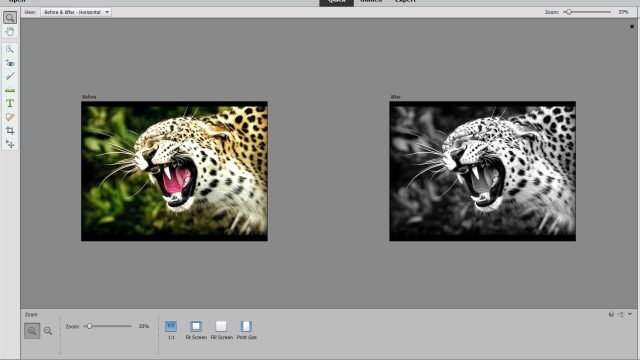
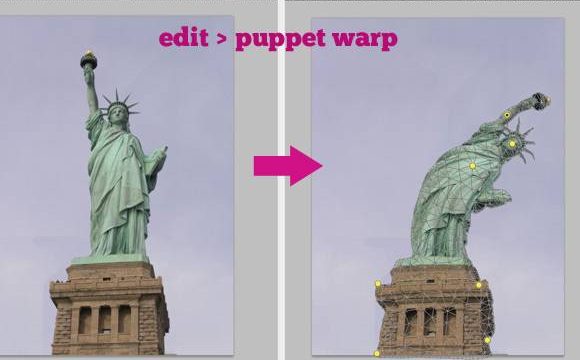
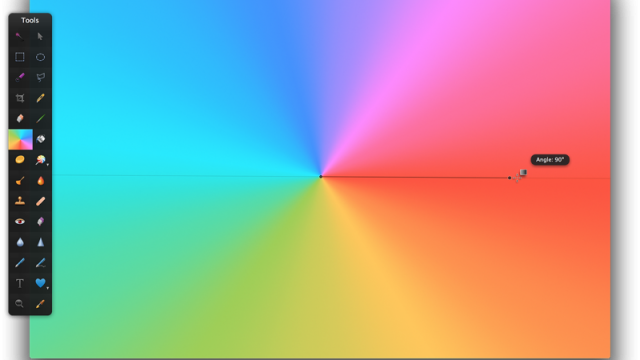
When you download a PSD file and say you have more than 100 PSD files: if you want to view them all but have to open each one in Photoshop and then close it, that only kills your time. Now you no longer have to worry about that 😀

Installation Guide
Step 1: run the setup.exe file
Step 2: go to the folder, usually C:Program FilesArdfryImagingPSD Codec, and open the PSDCodecPreferences.exe file
Step 3: Enter the key from the key.txt file and enjoy :3
Click here to download
Have a question? Ask the groupFacebook group Ask Anything (in Vietnamese): free Q&A on any topic, with real answers.Join the group →

Hoang Ngoc Quang Anh
Sharing computer, Windows and software tips. If you have a question, leave a comment below.