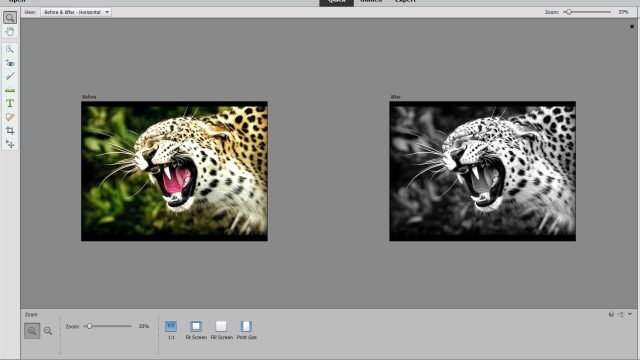
Guide to Automatic Color Restoration with the AI (Artificial Intelligence) in Photoshop Elements
First, if you don’t have Adobe Photoshop Elements 2020 yet, you can download it here Step 1: Open Photoshop Elements 2020 and open the photo you…
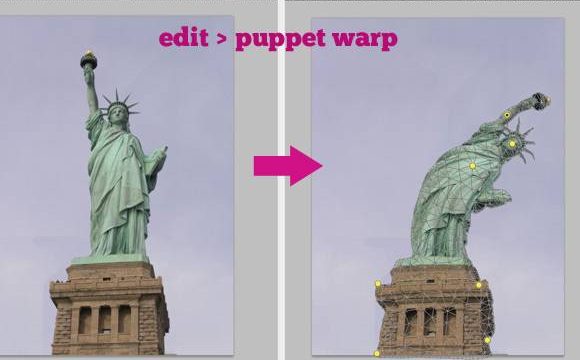
1. Select Layers the Fastest Way When you work in Illustrator to design vect2 or drawings and want to select an object, you just click it…
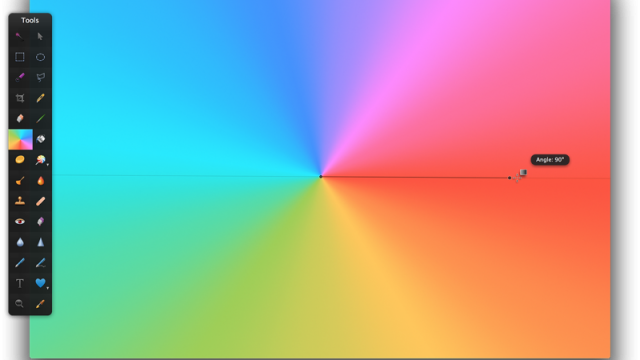
Gradient Tool in Photoshop is a tool for blending multiple colors together. You can think of it like an ombre color effect, but Gradient can do even…
This set is prepared in multiple formats, including for Lightroom , Camera RAW and as Actions, so you can choose freely See Also: Download Link
Photoshop For Me Please – Photoshop for me please <3 – Vnker Many of us have probably had friends send us photos on Messenger, only…
How to Create a Lens Dust Photoshop Action Effect In this tutorial, you’ll learn how to create an amazing lens dust effect. If you want to…
How to Create an Energy Effect Action in Adobe Photoshop In this tutorial, you’ll learn how to create an awesome energy effect. If you want…
How to Create a Shatter Photoshop Effect In this tutorial, you will learn…
How to Create a Spooky Magic-Themed Photo Manipulation in Adobe Photoshop Today, we’ll learn how to create a ghostly woman and her tormented children that will…
50 Amazing Adobe Photoshop Actions from Envato Elements Unlimited Downloads with Envato Elements Imagine a world with no download limits. You’d have access to amazing design…
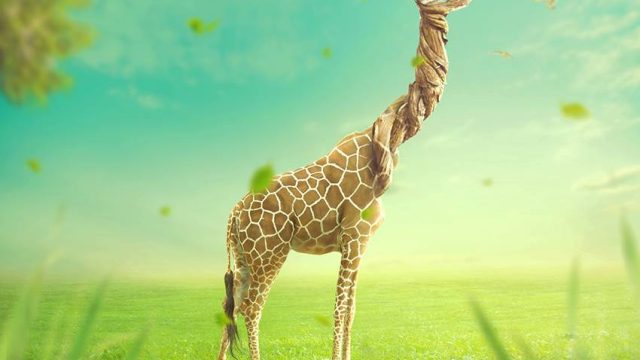
How to Create a Surreal Giraffe Manipulation in Adobe Photoshop In this tutorial, I’ll show you how to use Adobe Photoshop to create a surreal giraffe…
How to Create a Fairyland Photo With Adobe Photoshop In today’s post, I’ll show you how to use Adobe Photoshop to create a fairyland photo scene…