👁 0 views
Table of contents 15 items
- Hello everyone.
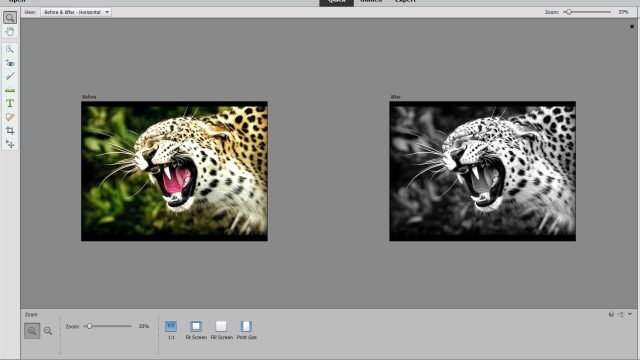
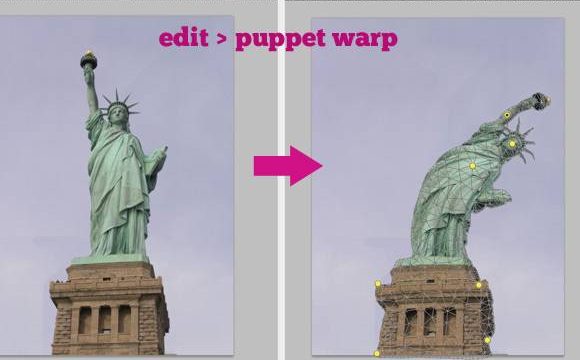
- 1. Open a photo like this example:
- or
- 2: You can duplicate the layer if you want ( ctrl J).
- Go to filter > Distort > Polar CooRdinates
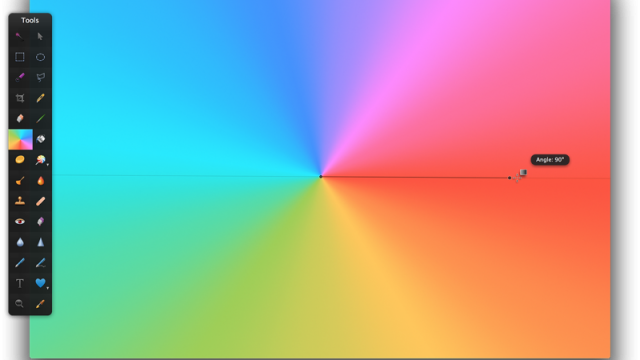
- A panel like this appears.
- Just click Ok.
- 3 Smooth the dividing area
- You can use various methods, whichever one you’re most skilled at.
- Then crop it and you’re done.
- If you want a more teen-style swirl, add a bit more effect.
- The panel above appears.
- Set the values you want. I set it to around 55, click OK,
- Thanks for following along!
- Do it like your way!
 Hello everyone.

Today I’ll show you how to make a swirl photo.
First, choose a photo. It should be square so the swirl is balanced ?. It should have 2 clearly separated areas so the swirl looks nice, and when you’re done it will feel more focused.
It’s really simple :3
There are only 3 steps
1. Open a photo like this example:

or

2: You can duplicate the layer if you want ( ctrl J).
Go to filter > Distort > Polar CooRdinates

A panel like this appears.
Just click Ok.

3 Smooth the dividing area

You can use various methods, whichever one you’re most skilled at.
Then crop it and you’re done.

If you want a more teen-style swirl, add a bit more effect.


The panel above appears.
Set the values you want. I set it to around 55, click OK,

Thanks for following along!
Do it like your way!
Have a question? Ask the groupFacebook group Ask Anything (in Vietnamese): free Q&A on any topic, with real answers.Join the group →

Hoang Ngoc Quang Anh
Sharing computer, Windows and software tips. If you have a question, leave a comment below.